Terracotta — Blogs for photographers · Terracotta — Blogs for photographers · Terracotta — Blogs for photographers · Terracotta — Blogs for photographers · Terracotta — Blogs for photographers · Terracotta — Blogs for photographers · Terracotta — Blogs for photographers · Terracotta — Blogs for photographers · Terracotta — Blogs for photographers · Terracotta — Blogs for photographers · Terracotta — Blogs for photographers · Terracotta — Blogs for photographers ·
New blog post · 2 of 4 · Chris & Airah
Which photos tell the story?
✦ Sneak peeks♥ Airah's favoritesCeremonyPortraits
60123456pickedContinue →
New blog post · 3 of 4
How should it start?
A starting layout for your 6 photos. Every block stays editable.
OrganizedEven grids, three across. Calm and easy to scan.EditorialA magazine rhythm: big landscapes, portraits in pairs.FullEvery photo edge to edge, one after another.SingleOne photo at a time in a reading column, like a journal.
TerracottaCase studyBlogs
Pick the photos that tell the story, straight from the gallery you already delivered. Nothing is uploaded twice: the post shows the gallery's own photos, so a replaced photo updates every post that uses it. Choose a layout and the photos land in a balanced arrangement on their own. Write the story, move things around, publish.
01 PickFavorites, a scene or any photos in the gallery
02 LayoutOrganized, Editorial, Full or Single
03 WriteThe story, in your words
04 PublishOn your blog address, WordPress or any site
Fromgallerytopost
Terracotta — Blogs for photographers · Terracotta — Blogs for photographers · Terracotta — Blogs for photographers · Terracotta — Blogs for photographers · Terracotta — Blogs for photographers · Terracotta — Blogs for photographers · Terracotta — Blogs for photographers · Terracotta — Blogs for photographers · Terracotta — Blogs for photographers · Terracotta — Blogs for photographers · Terracotta — Blogs for photographers · Terracotta — Blogs for photographers ·
Alt text and keyword file names fill in from your title and location, so every image is search-ready without re-exporting a thing. Change any of them in a click.
01 Alt text02 Keyword file names03 Descriptions04 Share images05 Structured data06 Image sitemap07 RSS feed08 Canonical links09 Your site credited
Blog · Chris & Airah
StoryStyleSEOPublish
Search resultDescription
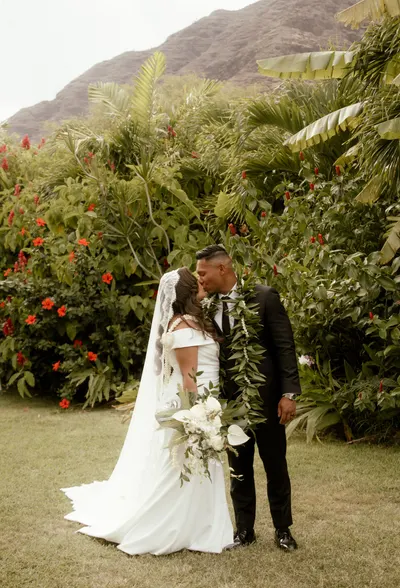
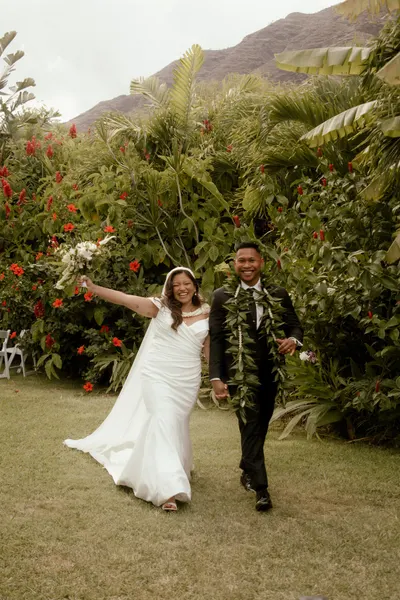
Leis, white orchids and the Koʻolau mountains behind them. A September wedding in Kāneʻohe.
Keywords
oahu wedding, kaneohe, garden wedding
Let search engines find it
Alt text
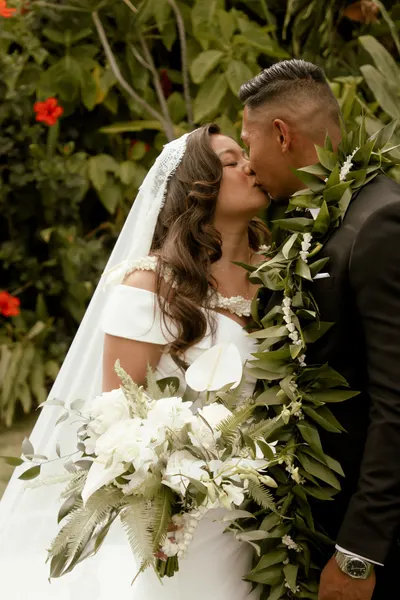
Chris and Airah's first kiss at their Oʻahu wedding
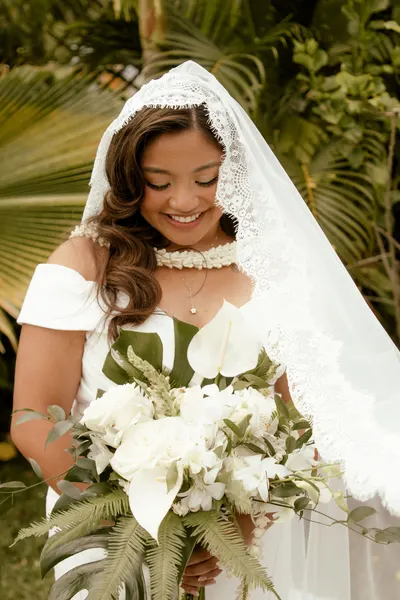
Airah with her white orchid bouquet in Kāneʻohe
Wedding rings resting on a monstera leaf
Photo file names✦ Rename from title and keywords
IMG_4821.jpgoahu-wedding-chris-airah-01.jpg
IMG_4877.jpgoahu-wedding-chris-airah-02.jpg
IMG_4902.jpgoahu-wedding-chris-airah-03.jpg
Terracotta — Made to be found · Terracotta — Made to be found · Terracotta — Made to be found · Terracotta — Made to be found · Terracotta — Made to be found · Terracotta — Made to be found · Terracotta — Made to be found · Terracotta — Made to be found · Terracotta — Made to be found · Terracotta — Made to be found · Terracotta — Made to be found · Terracotta — Made to be found ·
01 Blog addressYour blog on its own subdomain, like blogs.yourstudio.com. Old links lead there.
02 WordPressReal WordPress posts: photos in your Media Library with names, alt text and captions. Showit blogs too.
03 EmbedPaste into Squarespace, Wix, Showit or any site, as plain HTML search engines can read.
04 FeedAn RSS feed and a sitemap with every image.
Dashboard · Blog · Blog address
blogs.yourstudio.comConnected
Blog · Chris & Airah
StoryStyleSEOPublish
Publish to WordPressSending photos…Published
On WordPress, as a real post. Category: Weddings
Embed on your website
Searchable HTMLScript only
<article class="tc-blog">
<h1>Chris & Airah</h1>
<img alt="Chris and Airah's first kiss…">
</article>
WordPressShowitSquarespaceWixCopy embed code
Linkblogs.yourstudio.com/chris-airahCopy feed
Terracotta — On your website · Terracotta — On your website · Terracotta — On your website · Terracotta — On your website · Terracotta — On your website · Terracotta — On your website · Terracotta — On your website · Terracotta — On your website · Terracotta — On your website · Terracotta — On your website · Terracotta — On your website · Terracotta — On your website ·
Terracotta — The whole story · Terracotta — The whole story · Terracotta — The whole story · Terracotta — The whole story · Terracotta — The whole story · Terracotta — The whole story · Terracotta — The whole story · Terracotta — The whole story · Terracotta — The whole story · Terracotta — The whole story · Terracotta — The whole story · Terracotta — The whole story ·
Typical gallery plansNo exportTerracottaExport everything, plus an API
Feature
Typical gallery plans
Terracotta
Who gets a blog
Higher plans only
Every account, free included
Blog photos
Copied, counted against storage
Your gallery's photos, nothing extra
If you downgrade
Offline, or a yearly fee
Nothing changes
WordPress
A plugin that adds a sitemap
Real posts, published into WordPress
Embeds
A script search engines mostly can't read
Plain HTML search engines read
Your own address
Their domain
blogs.yourstudio.com
Leaving
No export
Export everything, plus an API
Terracotta — No strings · Terracotta — No strings · Terracotta — No strings · Terracotta — No strings · Terracotta — No strings · Terracotta — No strings · Terracotta — No strings · Terracotta — No strings · Terracotta — No strings · Terracotta — No strings · Terracotta — No strings · Terracotta — No strings ·
TerracottaBlogsFAQ
Questions
01Is the blog included on my plan?+
Yes. Blogs come with every Terracotta account, including the free one (your first 3 GB are free). There's no blog tier, no add-on and no limit on posts you'll ever reach.
02Do blog photos use more storage?+
No. A post shows the photos already in your gallery, so nothing is copied and nothing is added to your storage bill. Replace a photo in the gallery and every post that uses it updates too.
03Can I put posts on my own website?+
Yes, three ways. Publish straight into WordPress as a real post (Showit's blog counts, since it runs on WordPress). Paste an embed into Squarespace, Wix, Showit or any site; the recommended embed is plain HTML that search engines can read. Or give your blog its own address, like blogs.yourstudio.com, and it lives there.
04How does it help with search?+
Every photo gets alt text and a keyword file name (no re-exporting), each post gets its own description, share image and structured data, and your blog has a sitemap with every image plus an RSS feed. When a post is published to your WordPress site, that copy is marked as the original so your own site gets the credit.
05What happens to my posts if I change plans or stop paying?+
Nothing changes. There are no plans to drop down from, so a post never goes offline because of a billing change, and you can export every post (including a WordPress import file) whenever you like.
06What if I delete the gallery a post came from?+
The post isn't deleted. Because it shows the gallery's own photos, any photo you delete leaves the post too. Keep the gallery offline instead and the post stays whole.
07Can I add video, quotes and vendor credits?+
Yes. Posts are built from blocks: photos in grids, pairs, rows, collages or masonry, text, titles, quotes, YouTube and Vimeo videos, dividers, a button to the client gallery, and vendor credits from a vendor book you only fill in once.